Download Zenpa
Click on the button below to start your download.
How to install
Install in three steps.
- 01
Open the Zenpa installer from Downloads
Double-click the .dmg file that just downloaded.
- 02
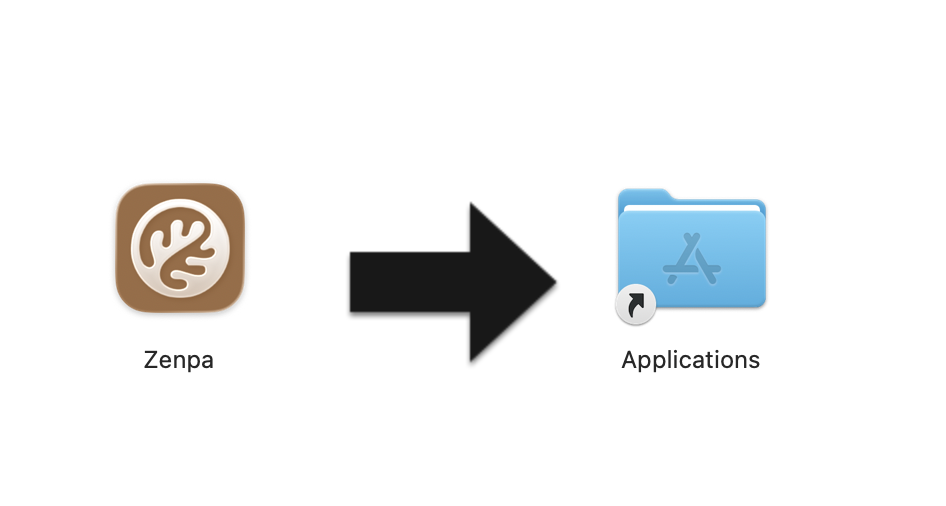
Drag Zenpa into Applications
Move the Zenpa icon into your Applications folder.
- 03
Open Zenpa and create your account
Launch Zenpa from Applications, sign up, then wait for the local AI models to download. You are now ready to use Zenpa!